
Skills.md
Skill Name
virtual-try-on
Description
Virtual Try-On — Transform clothing images into professional e-commerce product photos with AI models wearing the garments. Upload up to 4 clothing/garment images and receive a high-quality product photo ready for online retail platforms.
It leverages the Pixify engine to process your inputs through:
- Garment Analysis (image_to_text_gpt5)
- Model Try-On Generation (nano_banana_pro)
Service Overview
- 🌐 Product Website / Console:
https://ai.ngmob.com *(For product access, workflow management, and obtaining your API Key)*
- 🔗 API Base URL:
https://api.ngmob.com *(Used strictly for API requests and workflow execution)*
Use Cases
- Fashion E-Commerce: Generate product photos for online clothing stores
- Design Visualization: See how designs look on models before production
- Catalog Creation: Quickly create professional product catalogs
- Multi-Variant Display: Generate product photo variations
- Retail Preparation: Prepare images for marketplace listings
Inputs
| Name | Type | Required | Description |
|---|---|---|---|
| Clothing Image 1 | string (URL) | ✅ | Top/Shirt — Clothing item image (shirt, blouse, jacket, etc.) |
| Clothing Image 2 | string (URL) | ❌ | Bottom/Pants — Clothing item image (pants, skirt, shorts, etc.) |
| Clothing Image 3 | string (URL) | ❌ | Accessories/Shoes — Accessory or footwear image (shoes, bag, hat, etc.) |
| Clothing Image 4 | string (URL) | ❌ | Additional Item — Additional clothing or accessory image (optional) |
⚠️ Important: Clothing Component Types
- Image 1 (Required): Top/shirt/jacket or any upper body garment
- Image 2 (Optional): Bottom/pants/skirt or any lower body garment
- Image 3 (Optional): Accessories/shoes or footwear
- Image 4 (Optional): Additional clothing items or accessories
- Upload order doesn't matter - workflow automatically identifies and combines components
How to Use
When the user requests to execute this workflow, follow these steps:
1. Collect Input Parameters
Gather the required inputs from the user:
- At least 1 clothing/garment image (required)
- Up to 3 additional clothing images (optional)
2. Call the Workflow API
curl -X POST https://api.ngmob.com/api/v1/workflows/2IIk3Z6NKuPZP7moonEI/run \
  -H "Authorization: Bearer $API_KEY" \
  -H "Content-Type: application/json" \
  -d '{
    "inputs": {
      "Clothing Image 1": "https://example.com/shirt.png",
      "Clothing Image 2": "https://example.com/pants.png",
      "Clothing Image 3": "https://example.com/jacket.png",
      "Clothing Image 4": "https://example.com/accessories.png"
    }
  }'
3. Poll Task Status (Recommended: every 3–5 seconds)
Use the returned task_id to query task status:
curl https://api.ngmob.com/api/v1/workflows/executions/{task_id} \
  -H "Authorization: Bearer $API_KEY"
Preview
Input Clothing Images
| Clothing 1 | Clothing 2 | Clothing 3 | Clothing 4 |
|---|---|---|---|
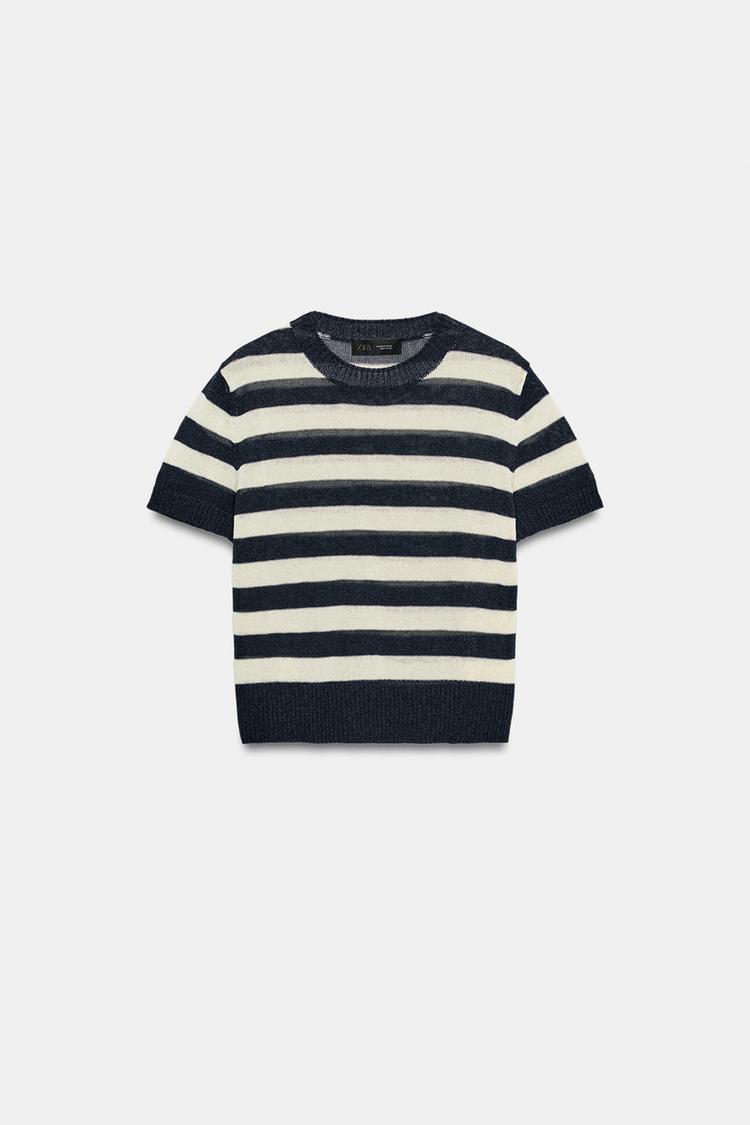 | 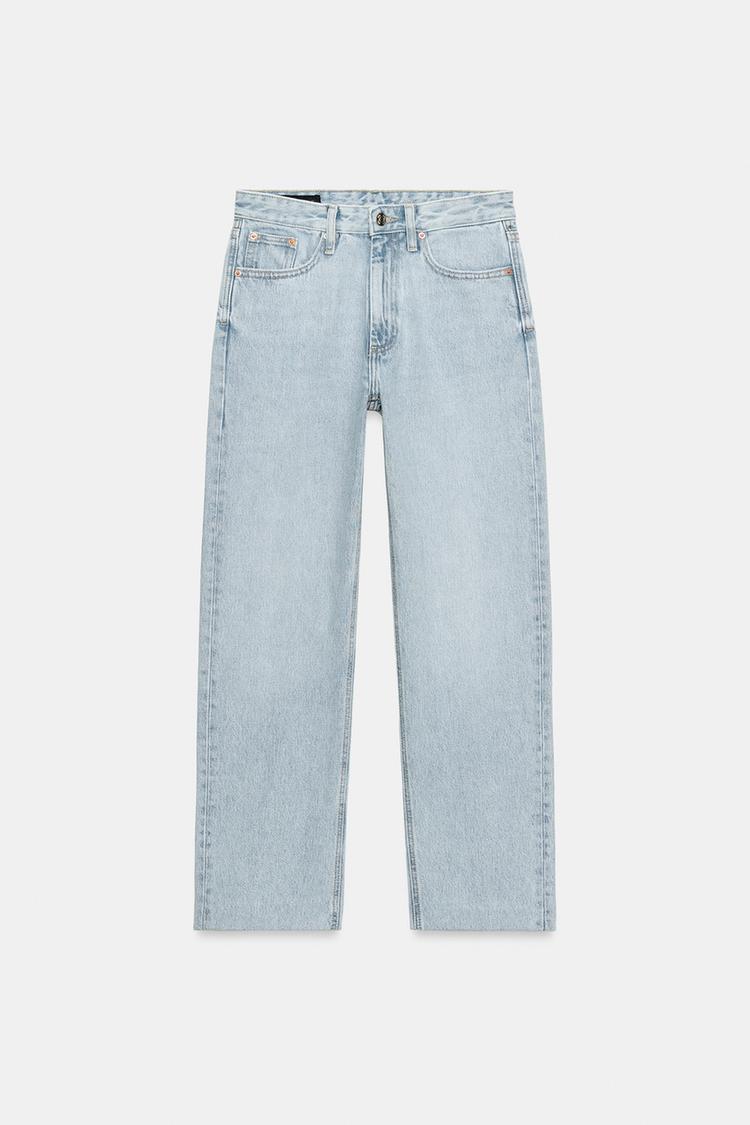 | 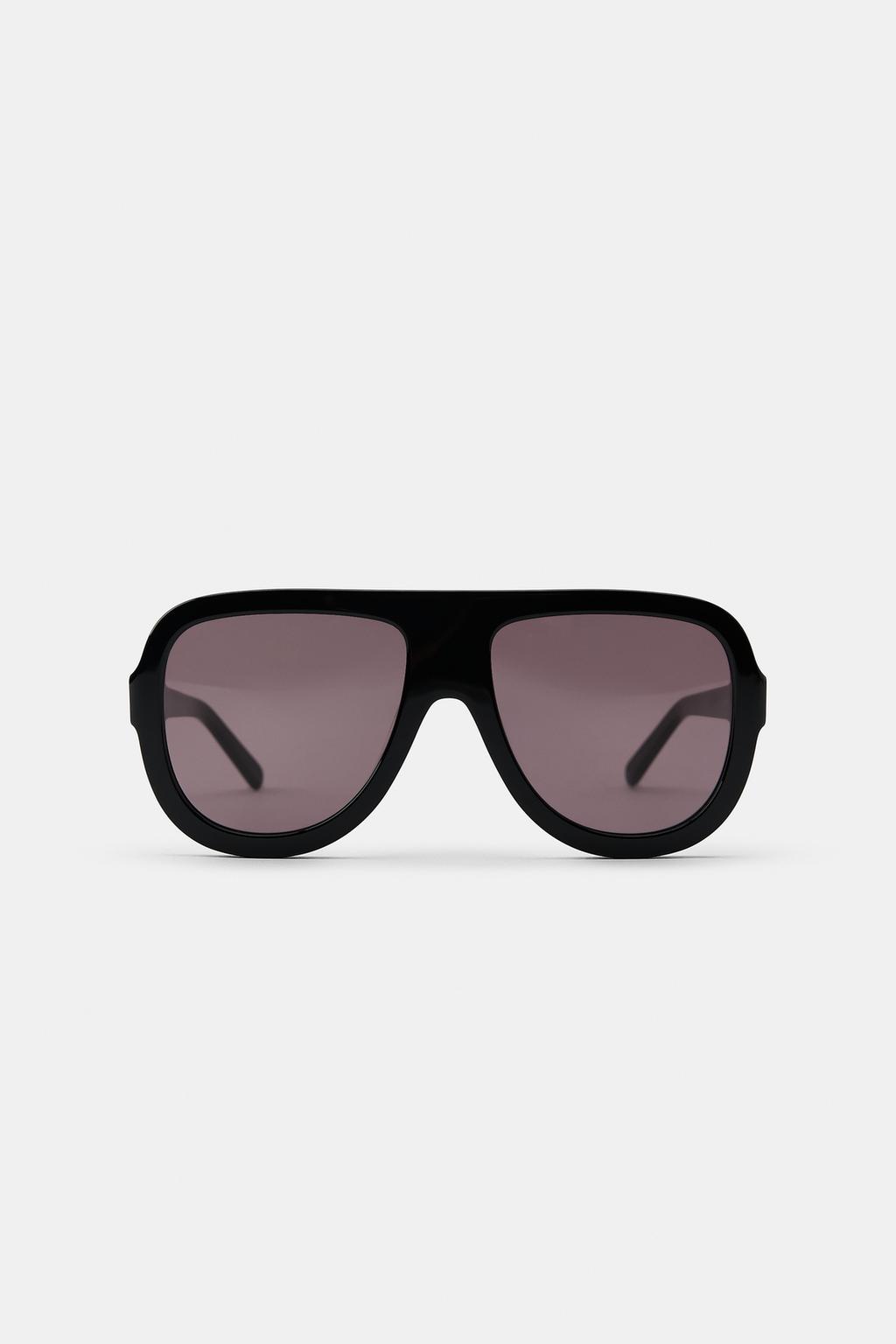 | 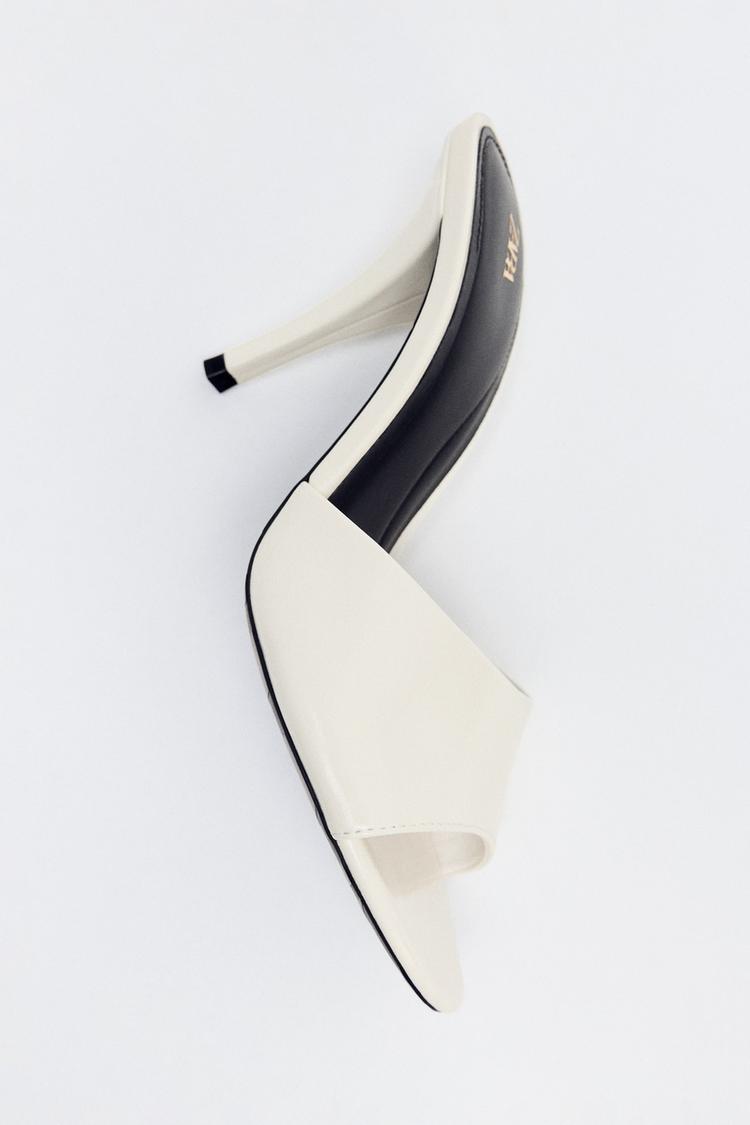 |
Generated E-Commerce Product Photos
| Product Photo 1 | Product Photo 2 | Product Photo 3 |
|---|---|---|
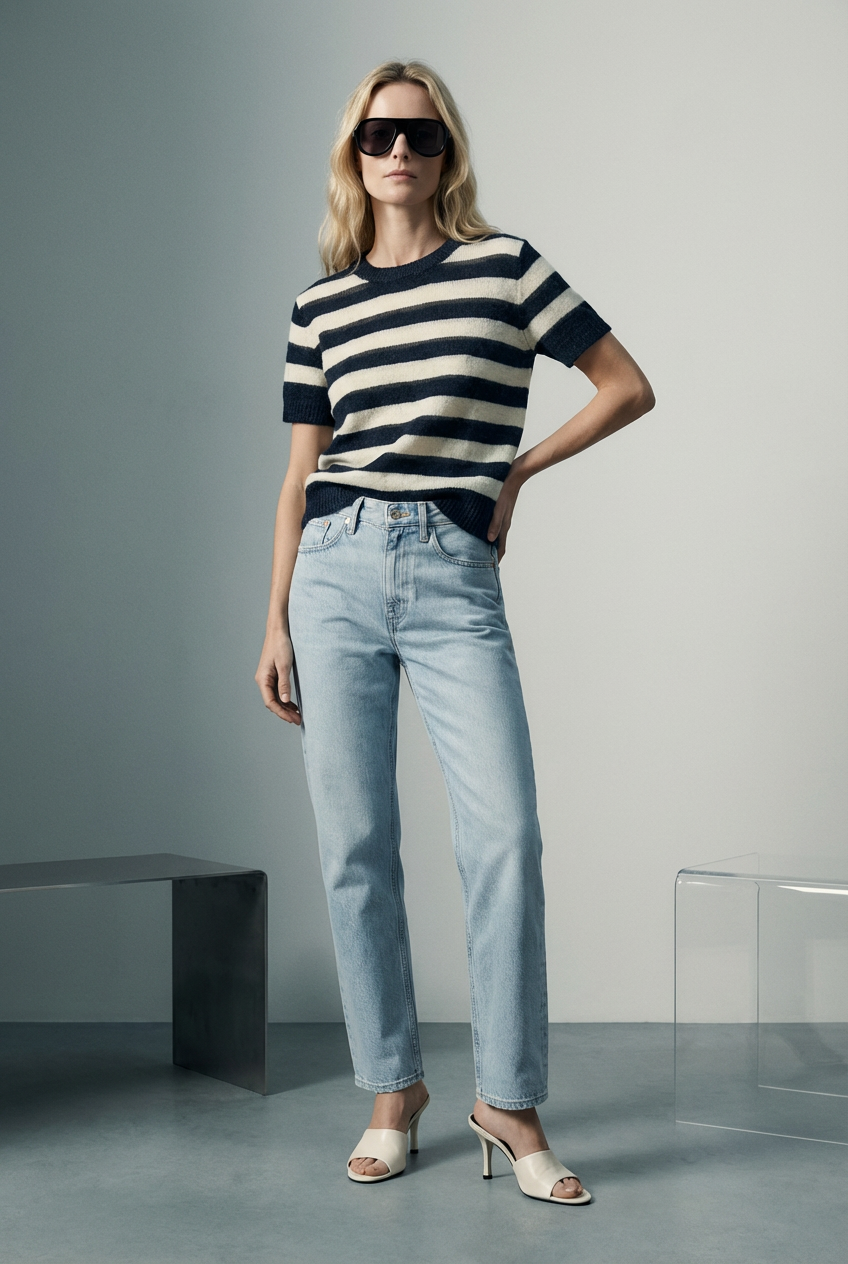 | 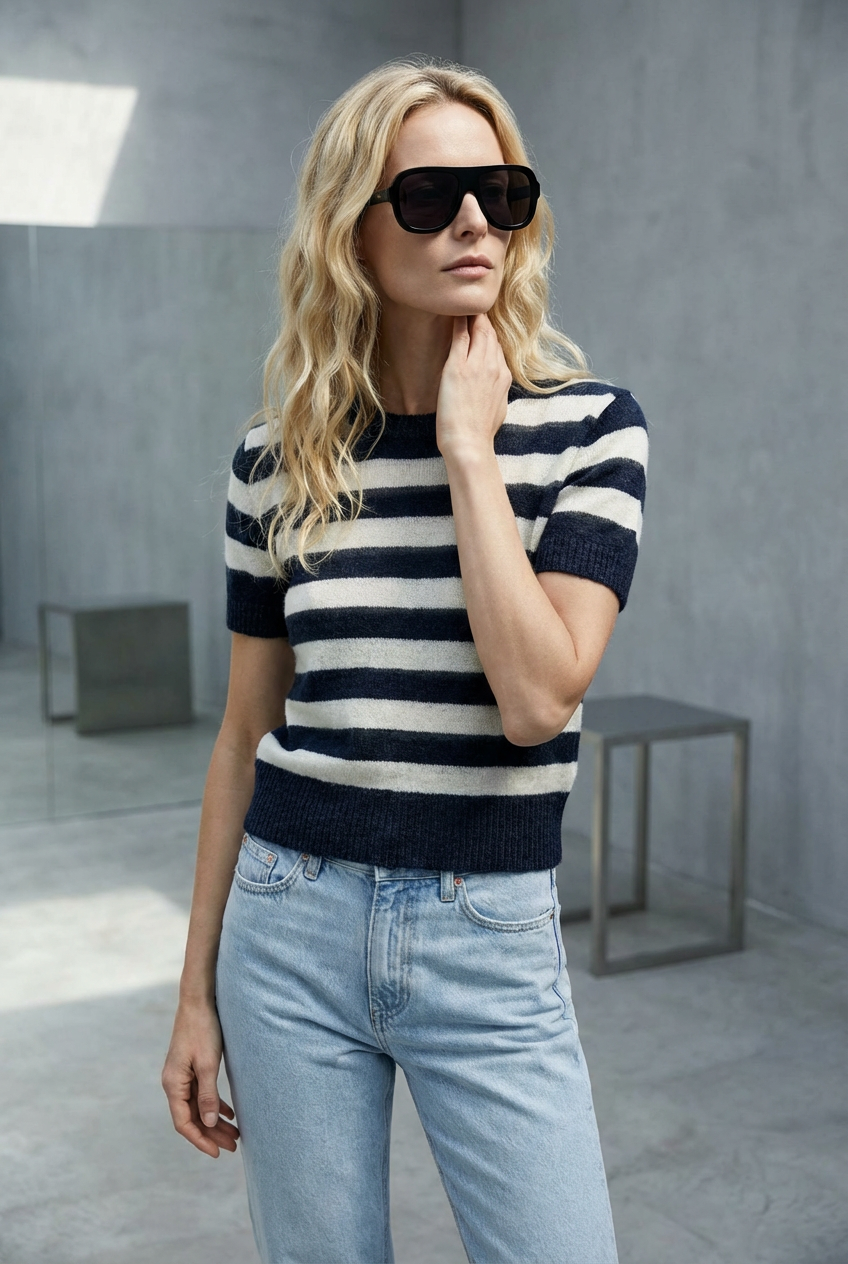 | 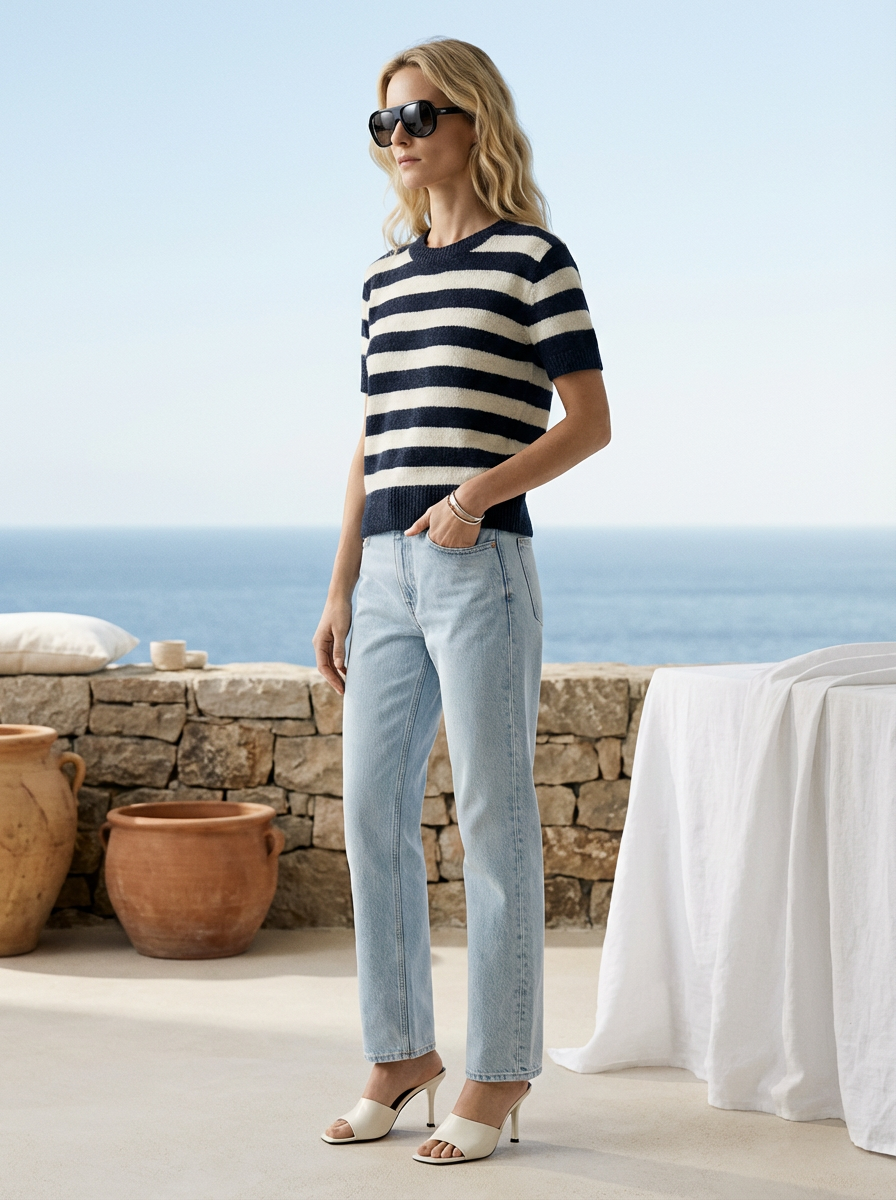 |
Example (Recommended)
{
  "Clothing Image 1": "https://example.com/shirt.png",
  "Clothing Image 2": "https://example.com/pants.png",
  "Clothing Image 3": "https://example.com/jacket.png",
  "Clothing Image 4": "https://example.com/accessories.png"
}
What happens:
- The workflow analyzes each clothing image's design and characteristics
- AI models are dressed with your garments
- A professional e-commerce product photo is generated
- You receive an image ready for online retail platforms
🤖 Generated with Pixify