
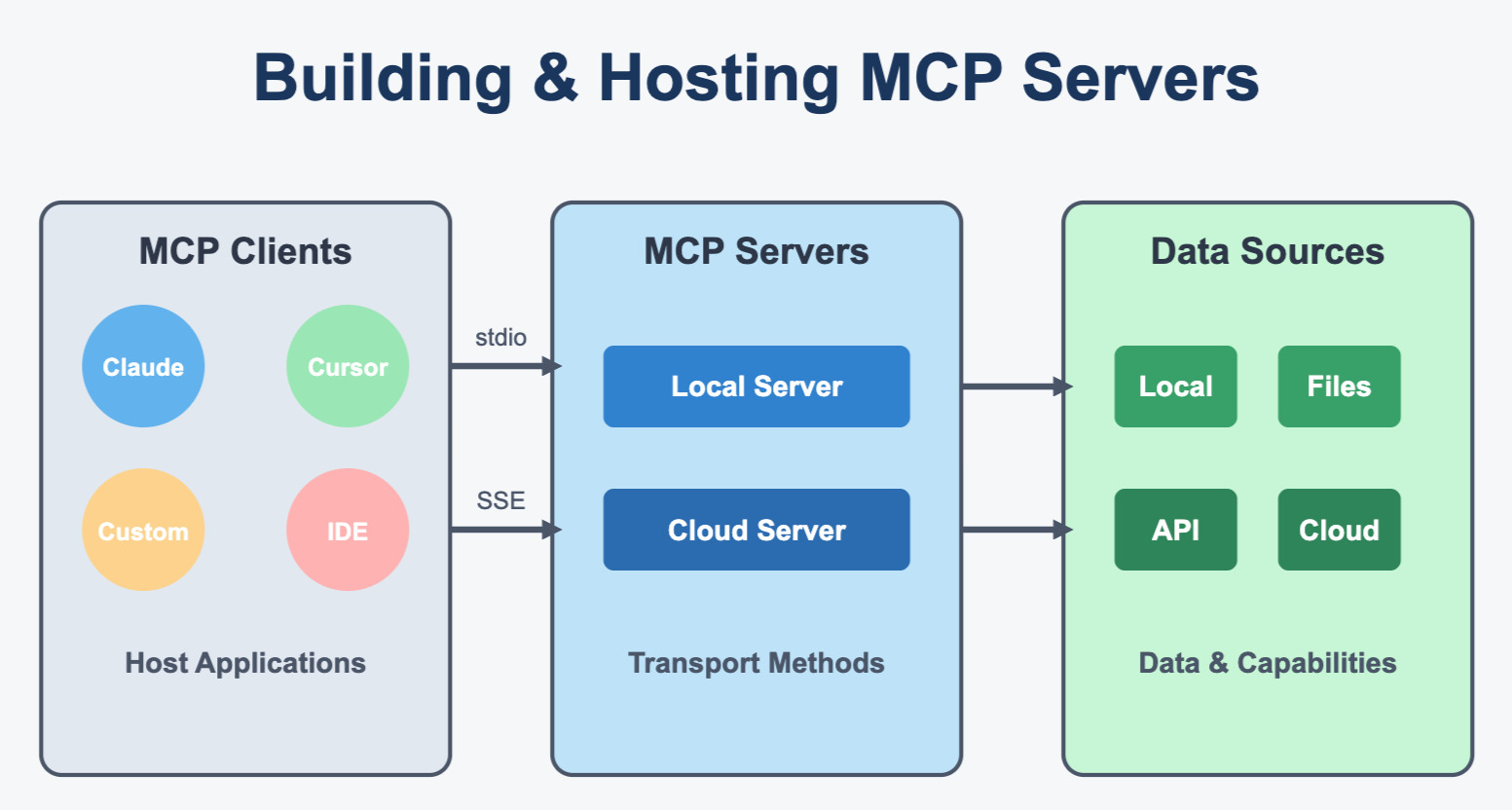
 \
\ \u0026copy;collabnix.com\
\ \
\
\
\ \u0026copy;collabnix.com\
\ \
\
# MCP Server - HTTP with SSE\ \ \ \
## Introduction\ \ \ \ Get started with the Model Context Protocol (MCP)\ \ Click here\ \ \ \
## Clone, Build and Run!!\ \ \ \ Step 1: Clone the repo\ \ \ \ Step 2: \u003ccode\u003enpm install\u003c/code\u003e\ \ \ \ Step 3: \u003ccode\u003enpm run build\u003c/code\u003e\ \ \ \ Step 4: Run the MCP Server\ \ \u003ccode\u003enpm start\u003c/code\u003e\ \ \ \ Step 4: Run the inspector for debuging\ \ \u003ccode\u003enpx @modelcontextprotocol/inspector node build/index.js\u003c/code\u003e\ \ \ \ Step 5: In Inspector click the "Connect" button. That's it!!\ \ \ \
## Dependencies\ \ \ \ npm install express\ \ \ \ npm install typescript\ \ \ \ npm install @types/node\ \ \ \ npm install @types/express\ \ \ \ npm install nodemon\ \ \ \ npm install ts-node\ \ \ \ ---\ \ \ \ npm install pre-commit\ \ \ \ npm install rimraf